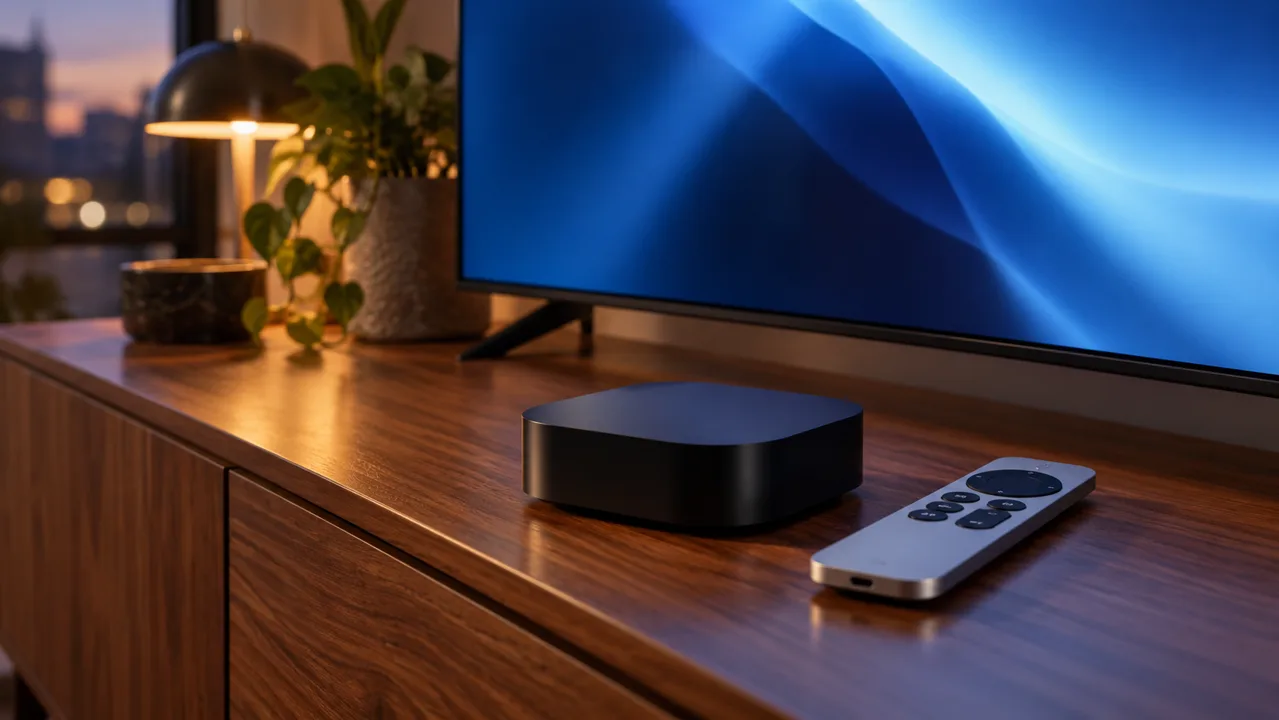
You already have an Apple TV 4K and want a subscription you can use comfortably with its remote. The purchase has three separate parts: a service account, a player available for your version of tvOS, and a subscription term with enough active connections. Buying one does not automatically supply the other two. This guide helps you prepare the right questions, test the complete viewing path and request a suitable Flash 4K IPTV plan without buying unnecessary hardware or assuming that a 4K label guarantees every feed.
Quick buying answer: Before buying an IPTV subscription for Apple TV 4K, confirm a tvOS player that accepts the account format supplied by the service. Check separate player fees, test the actual picture and audio, and choose connections according to simultaneous viewing. Send Flash 4K your device generation and player name before ordering so compatibility can be confirmed for that combination.
Separate the Apple TV device, player and subscription
The Apple TV box connects to your television and runs applications. An IPTV player is one of those applications; it opens the service account or playlist you provide. The IPTV subscription is the service access you buy. An app purchase, a hardware purchase and a service payment therefore answer different questions. Keep all three visible in your budget instead of comparing only the advertised subscription total.
Write down the generation of your Apple TV, the tvOS version and the exact player you intend to use. Similar app names can refer to different products. Check the developer and current App Store listing on your own device. You should know whether the application is available and what it costs before paying for a longer service term.
| Part | Confirm before purchase |
|---|---|
| Apple TV hardware | Generation, tvOS and available storage |
| Player app | Account format, current fee and remote controls |
| Service account | Term, active connections and requested content |
Confirm the account format before choosing a player
A player may offer an M3U playlist field, an account login with a server address, or another activation method. Those options are not interchangeable just because the screen says IPTV. Ask which method Flash 4K will supply for your chosen application and whether guide data is included in that method. Avoid purchasing a player licence first and asking about service compatibility afterwards.
If you already own a player, explain that in the request. You may be able to keep it when the supplied format is supported, but that needs confirmation. Keep private credentials out of public screenshots. For the initial compatibility question, a device model, app name and description of its login fields are usually more useful than sending a password.
Check the display chain rather than relying on the 4K name
The viewing path includes the source feed, player, Apple TV, HDMI connection and television. If a receiver or soundbar sits between the box and the television, include it in the test. A display output set to 4K does not establish the original resolution of a feed. Compare actual playback with the content you want, rather than treating a badge or output setting as the result.
Apple documents checks for HDMI inputs, cables and connected receivers when high-quality video is inconsistent. If the same picture issue appears in several applications, investigate that shared display path before buying another subscription. If it appears only in one source or player, record that difference and ask for help. Do not assume that every programme will be available in HDR or a particular surround format.
Run a remote-control test before committing
A subscription is useful only if you can find and play what you want. On the actual television, open the player, find a priority feed, add a favourite and return to live playback. Check the guide at your local time, change the audio or subtitles when available, then close and reopen the app. This simple sequence reveals daily friction that a quick demonstration can miss.
Repeat playback during the time you normally watch, with the same network and other household activity. Note the date, device, player and anything that interrupted viewing. Request a suitable test option from support and confirm its terms; do not assume its duration or availability. A successful check is evidence for your own setup, not a guarantee for every future event.
Choose a term and connection count for your household
One Apple TV used on its own needs a different plan from an Apple TV and a second television playing independently. Count active sessions, not the number of devices you own. Having an app installed on a phone does not mean that phone is streaming all evening. Explain whether your other screens are used at the same time and ask about household or network restrictions before choosing a connection option.
Compare the current total for the exact duration and connection choice on the Flash 4K pricing section. Keep player fees separate. A longer term can be convenient after the setup has met your requirements, while a shorter commitment can suit an untested combination. Do not choose an annual term solely because its monthly equivalent looks lower.
Send a precise Apple TV subscription request
Use this order brief: Apple TV generation, tvOS version, chosen player, country, required active screens, preferred term and priority viewing requirements. State whether you already paid for the player. Ask support to confirm the account format, total payable, activation route and any requirement that has not been tested. This gives the conversation a clear destination: the plan that fits your equipment.
Once those answers match your needs, choose the current Flash 4K option and keep the confirmation with your receipt. Installation help and the service purchase should refer to the same player and device. If a key requirement remains uncertain, resolve it before paying instead of expecting a different app to fix it later.
Frequently Asked Questions
Does buying an Apple TV IPTV player include a subscription?
Do not assume so. A player application and a service account are separate purchases unless an offer explicitly includes both. Confirm the app fee and Flash 4K account format before ordering.
Will every feed be 4K because I use Apple TV 4K?
No. The original feed, player and complete display path determine the result. A 4K output setting alone does not verify the source resolution or HDR availability.
What should I send Flash 4K before buying?
Send your Apple TV generation, tvOS version, player name, location, desired term and simultaneous-screen requirement. Ask for compatibility and current price confirmation for that exact combination.
Supporting references
Ready to choose your Flash 4K subscription?
Compare current package options, then send your device, player, preferred term and active-screen requirement. Confirm the combination before placing your order.
View current Flash 4K packages
Request your Flash 4K subscription