A projector can give you a larger picture, but it does not choose the subscription, run every player or improve the original feed. Before buying IPTV for a cinema room, decide which device will run the application and how video and sound reach the room. The useful purchase question is whether a Flash 4K plan fits that complete arrangement. This guide gives you a practical connection map, a room test and an order brief so the large screen is ready for normal viewing rather than just a short demonstration.
Quick buying answer: Buy an IPTV subscription for a projector after confirming the device that runs the player, the projector's supported inputs and displayed resolution, the audio route and the permitted active connections. An external streaming device may be suitable when a built-in app is unavailable, but the exact model and player need confirmation. A subscription cannot make an unsupported projector display a new video format.
Decide which device actually runs IPTV
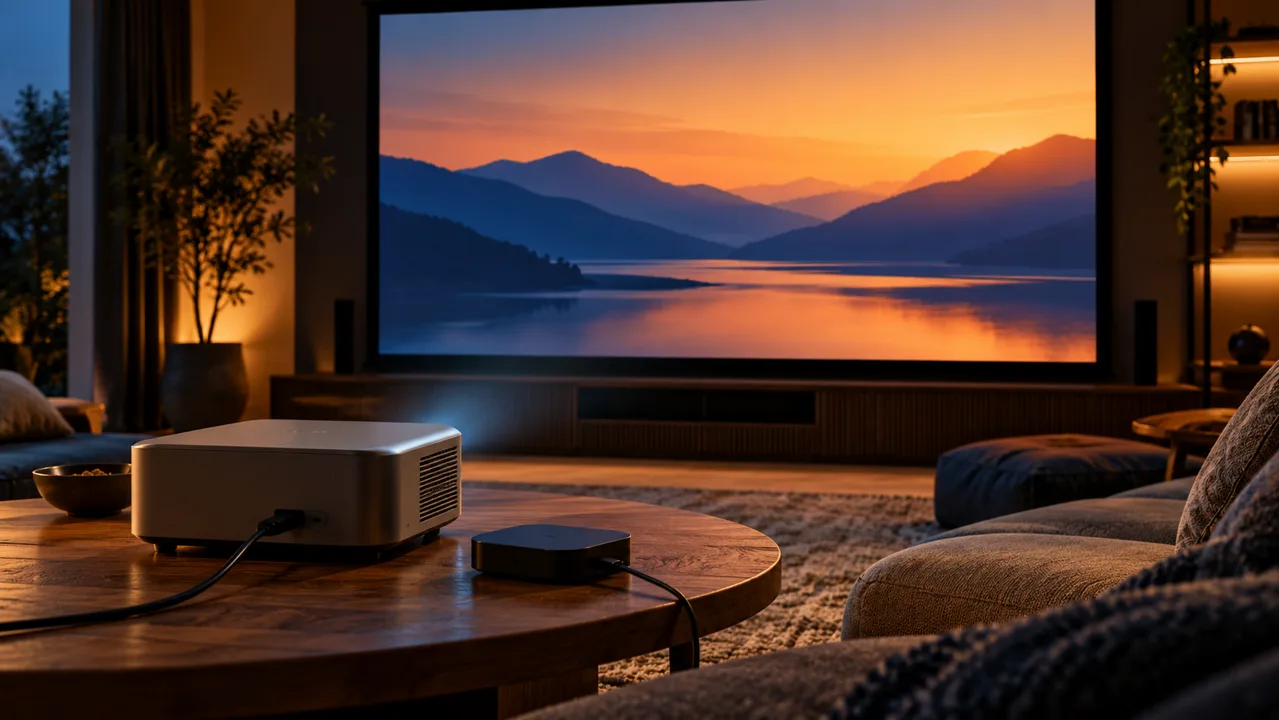
Some projectors include a smart operating system with an application store; others simply display an external HDMI source. Those are different purchase paths. For a built-in player, verify the exact operating system, app availability and login method. For an external device, identify the streaming box or computer and check its output against the projector manual.
Draw the route in plain words: service account to player device, player to projector, and audio to the speakers. Add a receiver or HDMI switch if you use one. This prevents an avoidable purchase based on the word smart alone. If you already have compatible equipment, confirm whether it can be retained before spending on another box.
| Your arrangement | The buying question |
|---|---|
| Built-in projector app | Is the exact player available and compatible? |
| External HDMI box | Do its output and the input work together? |
| Receiver or switch in between | Does the complete path carry your chosen video and audio? |
Match source quality to the projector, not the screen size
A large projection surface makes the picture bigger; it does not add detail to a low-resolution source. Distinguish the input formats a projector accepts from the picture it displays. Look up the specification for your exact model rather than borrowing a claim from another model in the same range. A label that mentions accepting 4K input is not enough to describe the complete viewing result.
Test an actual priority feed at the size and seating distance you use. Check readable captions, moving scenes and dark areas. Also check ordinary HD viewing, since not every requested programme will necessarily have a 4K option. Choose the subscription on verified content and stable use rather than expecting a plan name to overcome the display's limitations.
Include sound and power in the purchase budget
A visible picture is only part of the result. Establish whether sound comes from the projector, a receiver, powered speakers or another supported path. Play spoken material and check that it is audible at your seating position and stays aligned with the picture. Test the equipment you already own before adding a sound system because of an unverified format claim.
Power the streaming device according to its manufacturer's instructions. Do not assume a projector USB port supplies the required power just because the connector fits. Put hardware, any player fee and the subscription total in separate budget lines. You can then decide whether the current equipment is sufficient without confusing accessory costs with the service price.
Test the network where the projector will be used
Projectors may sit far from the router or near the ceiling, so test the network at the actual player location. Keep the same connection path for the comparison: a trial on a laptop beside the router does not represent a streaming box at the far end of the room. Check how the setup behaves with your normal household activity running.
If your device supports a wired connection, compare it with the existing wireless path while keeping the player and feed the same. Record the difference rather than immediately upgrading a subscription. Network problems and source problems need different decisions. Ask Flash 4K about a suitable test before you select a longer term; agree the test conditions rather than assuming a particular free period.
Use a room rehearsal as your acceptance check
Set the room up exactly as you intend to watch: projector position, light level, sound route and internet connection. Open the player with the normal remote, find the content you care about, test subtitles when offered, change a feed and restart playback. Then switch the setup off and on. A room that works only while someone holds a laptop beside it is not yet your intended cinema arrangement.
Record three outcomes: what worked, what needed a different setting and what remains unconfirmed. Check content availability for your location directly with the seller. An attractive image or a successful connection establishes neither every programme's availability nor permission for a public screening. This guide concerns a personal home setup; other uses need their own terms.
Choose the Flash 4K plan after the room is ready
If the projector is your only active screen, explain that when you request a plan. If someone will watch independently on another television, include that overlapping session in the connection requirement. A streaming box attached to a projector does not inherently require a different service tier simply because the picture is large.
Send the projector model, player device, application, sound route, country, active-screen requirement and preferred duration to Flash 4K. Review current package totals and confirm any separate costs before ordering. Once the exact arrangement meets your needs, select the term you are comfortable committing to and keep the confirmed setup notes for future support.
Frequently Asked Questions
Do I need a special subscription for a projector?
The key requirement is a compatible player device and a plan covering your active sessions. Screen size alone does not establish a special subscription requirement. Ask Flash 4K about your exact arrangement.
Can a projector accept 4K input without proving the whole picture is 4K?
Yes. Check the model's displayed resolution and supported input formats separately, then test the actual source and connection path. Do not infer source quality from the projector's input label.
What should I test before buying a longer term?
Test the real room, player, network, sound and remote controls using content you intend to watch. Confirm the current price and active-screen terms once the arrangement meets your needs.
Supporting references
Ready to choose your Flash 4K subscription?
Compare current package options, then send your device, player, preferred term and active-screen requirement. Confirm the combination before placing your order.
View current Flash 4K packages
Request your Flash 4K subscription