A practical guide explaining IPTV legality, what makes an IPTV service safer to use, how customers should evaluate streaming subscriptions, and how Flash 4K IPTV supports responsible setup.
Understanding IPTV before discussing legality
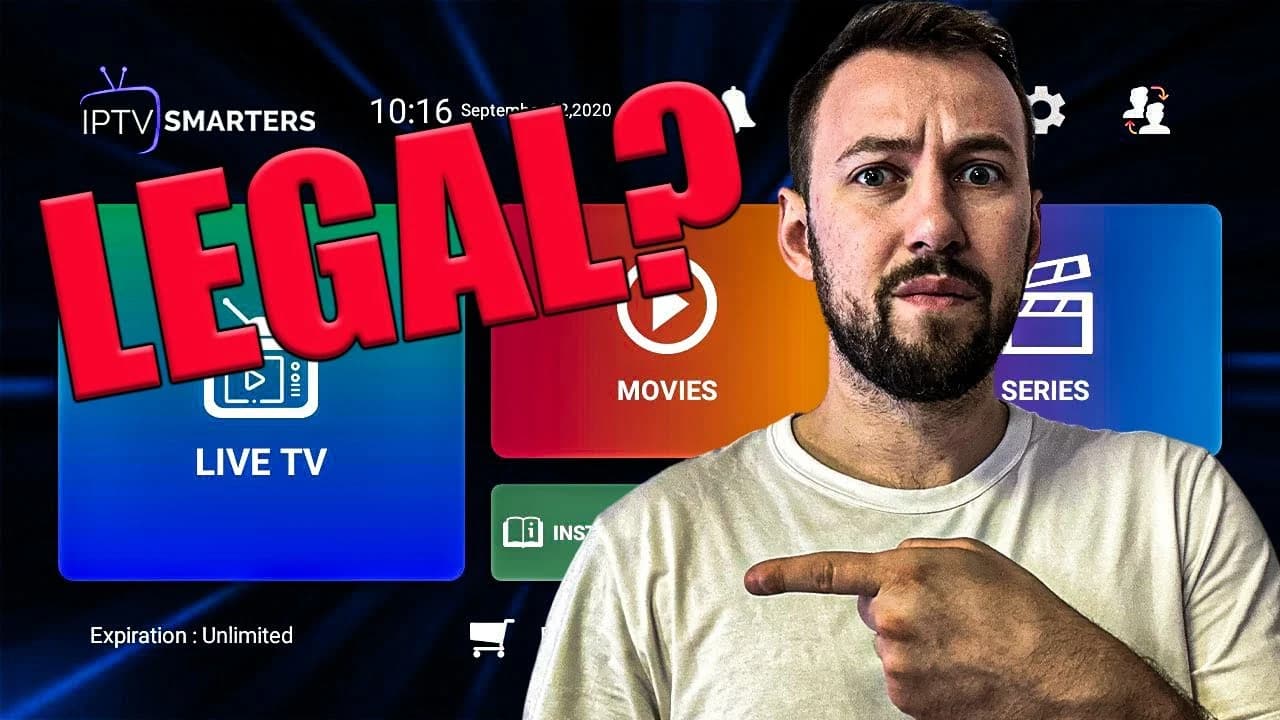
IPTV means Internet Protocol Television. Instead of receiving television through a satellite dish, cable line, or traditional broadcast antenna, IPTV delivers streams through an internet connection. The technology itself is not illegal. Many major broadcasters, sports networks, telecom companies, and streaming platforms use internet delivery in some form. The important question is not whether IPTV as a technology is legal, but whether the content being provided is authorized, licensed, and used according to the rules that apply in your country.
This distinction matters because people often use the word IPTV to describe very different services. A legal broadcaster app, a paid streaming platform, a hotel TV system, and a third-party playlist can all use internet delivery. Some services operate with rights and clear business terms. Others may distribute channels or movies without authorization. Customers should avoid judging a service only by the IPTV label. They should look at transparency, support, payment process, terms, content claims, and whether the service encourages responsible use.
Flash 4K IPTV is presented as a premium IPTV subscription experience for customers who want live channels, movies, series, sports, device support, and installation help. This article explains the general legality topic in practical language. It is not legal advice, and laws can differ by region. If you need a legal opinion for your country, speak with a qualified professional. For normal customers, the goal is to understand what to check before ordering and how to use IPTV responsibly.
Is IPTV legal as a technology?
Yes, IPTV technology is legal. Internet delivery is simply a method of transmitting video data. A stream can be legal or illegal depending on the rights behind the content, not because the stream travels over the internet. The same logic applies to websites, apps, and video platforms. A website can host licensed content or unauthorized content. The website technology is neutral; the rights and usage determine the legal status.
For customers, the safest mindset is to separate the player, the device, and the subscription. A FireStick is legal hardware. IPTV Smarters-style apps and other players are legal tools when used correctly. A playlist or portal login can be legitimate or problematic depending on what it provides and whether the provider has the right to distribute it. That is why responsible users should pay attention to the provider they choose, the terms they accept, and the laws in their own location.
This is also why generic claims such as 'all IPTV is illegal' or 'all IPTV is legal' are not accurate. The truth is more specific. IPTV can be perfectly legitimate when rights and distribution are handled correctly. It can also become risky when services promise impossible access, hide ownership, avoid support, or distribute protected content without permission. A careful customer looks beyond marketing and asks practical questions.
How customers should evaluate an IPTV service
A responsible evaluation begins with transparency. A service should provide clear contact information, explain how activation works, describe compatible devices, and make support accessible. If a provider disappears after payment, refuses to explain setup, or only communicates through suspicious temporary channels, that is a warning sign. Flash 4K IPTV includes internal setup resources, support contact options, pricing sections, and installation guidance, which helps customers understand what they are buying before they install anything.
The second evaluation point is realistic expectations. Be careful with any service that promises everything, everywhere, forever, for an unrealistically low price, with no explanation of support or device limits. A good streaming experience depends on servers, app compatibility, internet speed, account rules, and customer support. When a provider explains connections, setup steps, and troubleshooting, the customer gets a clearer picture of the service. That clarity is part of a safer buying experience.
The third point is account responsibility. Customers should not share login details publicly, resell access without permission, overload a one-connection account on multiple active devices, or use IPTV in ways that violate local rules. Legal awareness is not only about the provider. It is also about how the customer uses the subscription. Read the plan details, follow the connection limits, and ask support if you are unsure.
What makes Flash 4K IPTV different for users
Flash 4K IPTV focuses on a guided streaming experience rather than leaving customers alone with a playlist and no explanation. That matters because many IPTV problems happen during setup. A user may have the right account but the wrong app. Another may use the correct app but choose the wrong login method. Another may have a Smart TV player that needs Device ID activation instead of a normal username and password. Clear support reduces confusion and helps customers use the service correctly.
The website also connects important resources together. The installation tutorial helps users set up FireStick, Smart TV, Android, iOS, MAG, Windows, and Mac workflows. The blog explains FireStick use, VPN considerations, complete service reviews, and now IPTV legality. The contact page gives customers a place to ask direct questions. These internal links are useful because they keep the user inside a coherent support path instead of sending them to random tutorials that may not match their device.
A responsible IPTV service experience should feel structured. Customers should know where to compare packages, where to get help, where to read setup steps, and how to avoid common mistakes. Flash 4K IPTV is strongest when users follow that structure: choose a package that matches their connection needs, install the right app, enter account details accurately, and contact support if anything is unclear.
Legal awareness by country
IPTV rules are not identical everywhere. Some countries focus enforcement on providers who distribute unauthorized content. Others may also warn or penalize users who knowingly access unauthorized streams. Some regions have stronger ISP blocking, copyright enforcement, or consumer protection rules than others. Because of these differences, customers should understand that a general online article cannot replace local legal guidance. The safest approach is to use services responsibly and avoid content sources that appear suspicious.
If you travel, the rules and network conditions may change. A service that works normally at home may be blocked on hotel Wi-Fi, public networks, or certain ISPs. A VPN can sometimes help with privacy or routing, but a VPN does not automatically make illegal content legal. VPNs are tools for privacy and network routing; they are not permission to ignore copyright laws. If you want more detail about VPN use with IPTV, read the internal VPN guide on this blog.
Customers should also remember that device installation is separate from legality. Installing an IPTV player on FireStick or Smart TV is normally a technical step. The legal question relates to how content is accessed and whether the service is authorized to provide it. Keep these ideas separate so you can troubleshoot setup without confusing it with legal responsibility.
Common IPTV legality myths
One common myth is that an app store listing automatically proves every playlist used inside the app is legal. That is not true. A player can be legitimate while a third-party playlist may or may not be authorized. Another myth is that paying for a subscription automatically guarantees legality. Payment shows that money changed hands, but it does not by itself prove distribution rights. Customers should look for transparency, support, terms, and responsible claims.
Another myth is that using a VPN solves every legal concern. A VPN can protect privacy and sometimes improve routing, but it does not change the underlying rights of the content. If a stream is unauthorized, hiding the connection does not make it authorized. A VPN may still be useful for security or ISP blocking, but it should be used responsibly. The VPN guide on this site explains when a VPN may help and when it may not be needed.
A final myth is that all IPTV services are the same. In reality, customer experience varies widely. Some services provide clear setup, support, and stable access. Others provide little information and disappear quickly. A serious customer should compare more than price. Look at support, installation resources, device compatibility, package clarity, and whether the provider explains how to use the service properly.
How to use Flash 4K IPTV responsibly
Responsible use starts before ordering. Review the package options, decide how many connections you need, and confirm that your device can run a compatible IPTV player. If you are using FireStick, read the FireStick installation steps. If you are using Smart TV, check whether the app requires playlist upload or device activation. If you are uncertain, contact support before paying for a long plan. Asking early is always better than guessing late.
After ordering, keep your account details private. Do not post your portal URL, username, password, or playlist link online. Do not share your account with people outside your plan. Do not run more simultaneous streams than your subscription allows. These rules protect your account and help maintain stable service for everyone. If you need more screens, choose a package with more connections instead of overusing a single connection.
If a stream or category does not work, report it clearly. Include your device, app name, channel or category, and whether the issue happens on one stream or all streams. Responsible troubleshooting helps support identify the cause quickly. It also prevents unnecessary changes such as switching apps, changing VPN servers, and resetting devices all at once.
Questions to ask before choosing any IPTV provider
Before choosing any IPTV provider, ask a short list of practical questions. Does the website explain how ordering works? Does it have a contact page? Does it provide installation guidance for common devices? Does it explain connection limits? Does it give customers a way to request help after payment? These questions do not replace legal research, but they do help you avoid confusing or careless services. A provider that explains the customer journey clearly is easier to trust than one that only shows a price and asks for payment.
You should also ask whether the provider gives enough information for your exact device. FireStick users need different instructions from Smart TV users. MAG users need different information from iPhone users. Windows and Mac users may need desktop-player guidance. If a provider cannot explain device setup, customers may end up following random tutorials that create more problems. Flash 4K IPTV solves part of this issue by linking the blog, installation tutorial, pricing area, and support page together.
Finally, remember that responsible streaming is a long-term habit. Keep your device updated, use strong account privacy, avoid suspicious third-party downloads, and contact support instead of installing unknown files from random websites. A clean setup protects your device, your subscription, and your viewing experience.
Final answer: is Flash 4K IPTV legal?
The clearest answer is this: IPTV technology is legal, and Flash 4K IPTV should be evaluated like any streaming subscription, based on transparency, responsible use, local rules, and how the service is provided. This article cannot give legal advice for every country, but it can give a practical framework. Customers should use IPTV responsibly, respect local laws, avoid suspicious services, and ask support when setup or account details are unclear.
Flash 4K IPTV gives users a structured website experience with package information, installation help, contact options, and educational blog guides. That structure is important because it helps customers make informed choices. If you want to continue researching before ordering, read the complete Flash 4K IPTV review, the FireStick guide, and the VPN guide. These related articles explain the technical and practical side of the service.
Flash 4K IPTV is built for viewers who want one clean subscription experience instead of jumping between apps, devices, and short trials that do not explain what is included. A strong IPTV setup is not only about the channel count. It is also about stability during peak hours, clear activation instructions, device compatibility, responsive support, and simple renewal steps. That is why every guide in this blog links back to the /installation-tutorial/ page for setup help, the /contact-us/ page for support, and the /#price section for package comparison.
Before choosing any IPTV service, confirm that your internet speed is stable, your device supports modern streaming apps, and you understand how many simultaneous connections you need. If you plan to watch on a FireStick in the living room, a Smart TV in another room, and a phone while travelling, your connection count matters. If you only need one screen at a time, a basic plan can be enough. The best setup is the one that matches your real viewing habits instead of the biggest advertised number.
The goal of these articles is to help you make a confident decision. They are written as practical buying and setup guides, not as hype pages. You will find explanations about FireStick installation, VPN considerations, IPTV legality questions, streaming quality, customer support, internal links to related guides, and simple checklists you can use before ordering. If you need direct help, the fastest route is always to contact support with your device name and the app you want to use.
Frequently Asked Questions
Is IPTV legal?
IPTV technology is legal. The legal status depends on whether the content is authorized and how the service is used in your country.
Does using a VPN make IPTV legal?
No. A VPN can improve privacy or routing, but it does not change whether content is authorized.
How can I use Flash 4K IPTV responsibly?
Choose the right plan, follow connection limits, keep account details private, use compatible apps, and check local rules if you have legal concerns.